

About
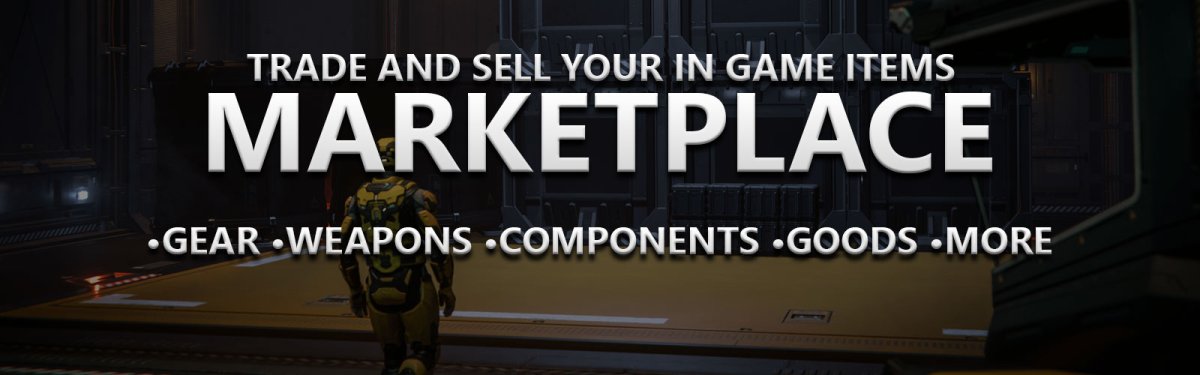
Our marketplace club allows members to advertise items they want to sell in the verse. No real money transactions are allowed. Post a screenshot of what it is you want to sell and how much aUEC you want for it.
Why?
Scavenge gameplay is a thing and players may have a lot more items, gear, weapons and more than they will ever need. Advertising in the game through chat is of course the easier way but this way you can look for items outside of the game. If someone have items for sale you might want, you can then log in and make the purchase.
And then what?
Meet up somewhere and make the transaction, send a friend request and do in your safe hangars etc. All up to you. The safest way is in your hangars. We can't make sure someone if luring you into a trap. For larger items and ship components you may have to prepare for some risk vs reward. Bring friends.
Once a transaction have been made you should let everyone know in your post by commenting. A moderator of the club can then close the discussion.