


Drake Clipper Club
Drake Clipper
Weapons
4x Size 3
Missiles
3x Size 3
2x2 Size 2
3x4 Size 1
Turrets
N/A
Cargo
12 scu
Systems
2x Power Plant
1x Cooler
2x Shield Generator
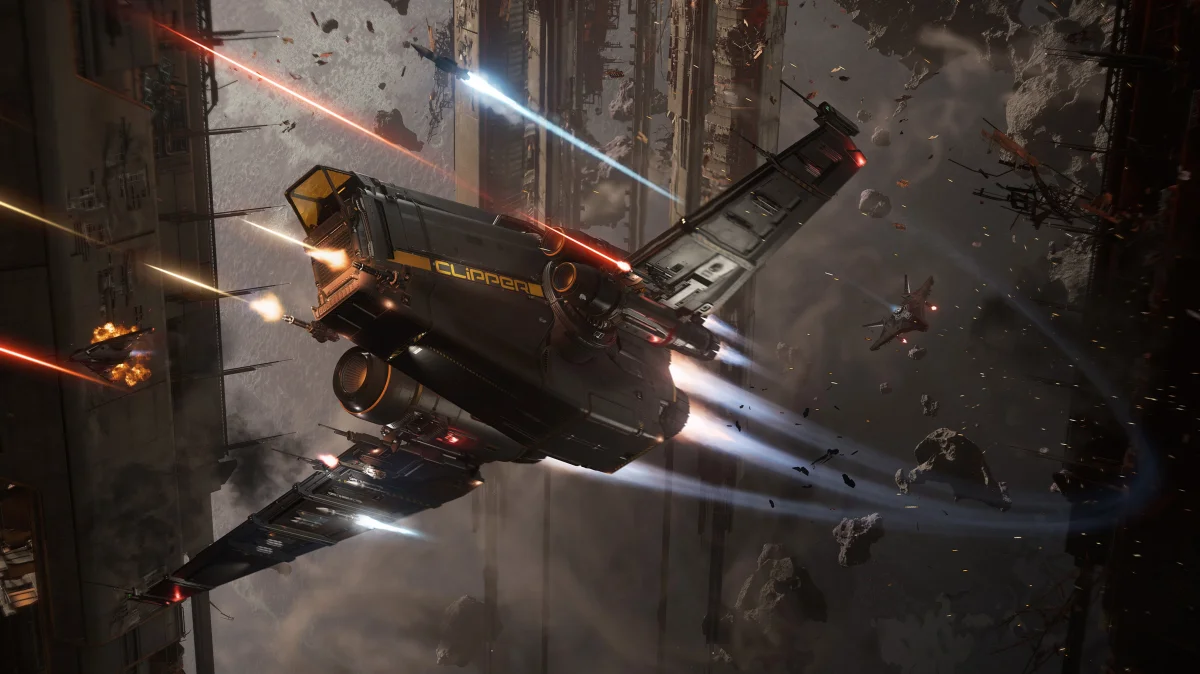
A solo-flyable ship with multipurpose capabilities, built for freethinkers and lone travelers. Drake’s signature industrial design and evocative asymmetrical aesthetic make the Clipper a visual spectacle as well as a practical standout.
A solo-playable ship built for lone habitation.
This multipurpose ship houses a hab, medbed, cargo hold, missiles, and a fabrication area.
Generalist vehicles embrace a broader and more versatile experience for their crew, offering varied gameplay in place of specialized, purpose-driven design.
Technical Specs
These are the current vehicle specifications and are subject to change during the game balancing process.
Length | 26.5 m |
|---|---|
Height | 21 m |
Width | 18 m |
Speed | 205 m/s |
Avionics
Radar | 1x Radar |
|---|---|
Computer | 1x Computer |
Propulsions
Fuel Intakes | 3x Fuel Intake |
|---|---|
Fuel Tanks | 1x Fuel Tank |
Quantum Drives | 1x Quantum Drive |
Quantum Fuel Tanks | 1x Quantum Fuel Tank |
Jump Modules | 1x Jump Module |
Thrusters
Main Thrusters | 2x Main Thruster |
|---|---|
Maneuvering Thrusters | 20x Fixed Maneuvering Thruster |